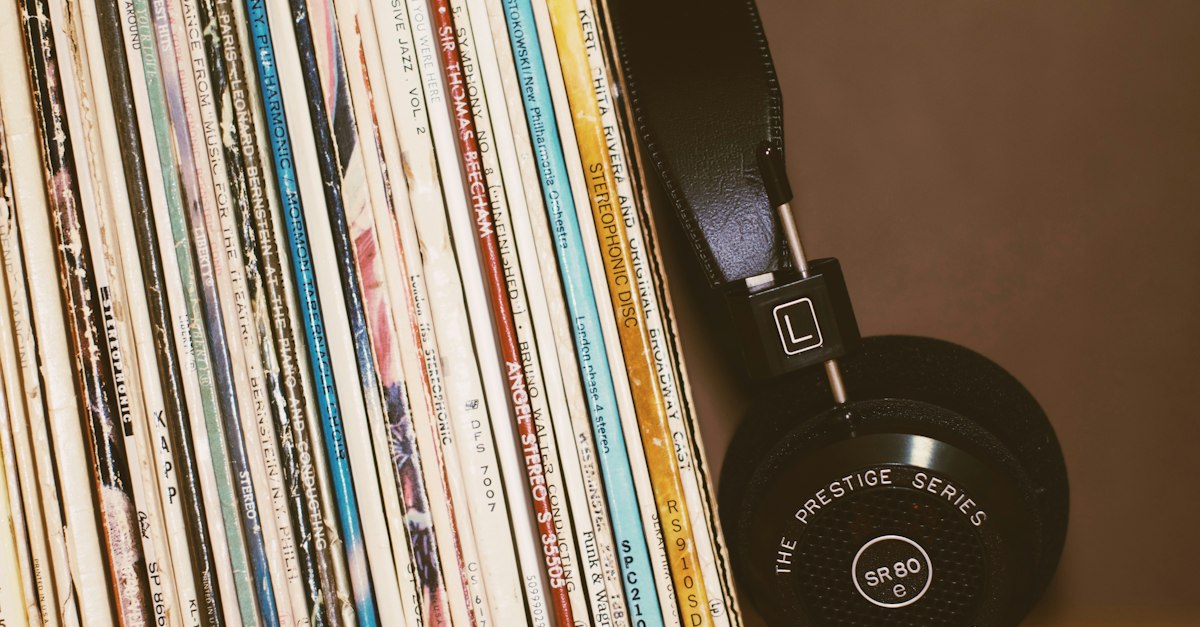
If your music is organized in folders, you already have playlists: a road-trip mix, a box set, an album someone sent you. Plex just doesn’t know about them. PlexList closes that gap with one command.
$ plexlist create ~/Music/Road\ Trip
Found 25 audio files
Matching against Plex... 25 matched, 0 not found
Playlist name [Road Trip]:
Done: "Road Trip" created, 25 tracks
The problem
Plex is great at libraries and clumsy at playlists. Building one by hand means searching for and adding tracks one at a time, even when the playlist you want already exists as a folder on disk. And because Plex keeps its own view of where files live, a folder on your laptop or NAS doesn’t map neatly onto what the server sees.
What it does
- Folder to playlist. Point it at a folder (subfolders included) and it builds the playlist, named after the folder. Pictures and other non-audio files are skipped.
- Many at once.
--eachmakes one playlist per folder, so a whole collection can be turned into playlists in a single run. - M3U files. Existing
.m3uplaylists are imported in their original order. - Sensible ordering. Albums play in disc and track order, multi-album folders go album by album, and loose files fall back to a natural filename sort. You can also choose random (repeatable with a seed), by date, by artist, or exactly as given.
- Safe to re-run. If the playlist already exists it can be replaced in place, so running it again keeps the playlist in sync with the folder.
- Script-friendly. Unattended mode, a dry run that changes nothing, JSON output, and clear exit codes for cron jobs.
How it works
The interesting part is matching. A file on your machine has to be found among the tracks Plex already knows about, and the paths often differ (a NAS share, a Docker volume). PlexList tries, in order: the server’s file path, then filename plus file size, then the artist, album and title tags with the track length within two seconds. When the same song is in the library twice, it picks the copy in the folder where the rest of your files matched rather than guessing.
If files were added recently and Plex hasn’t scanned them yet, it offers to scan just that folder and try again. The library’s track list is cached between runs, so repeat runs on a large library stay fast.
Under the hood it’s split in two: a core library that never prints or prompts, and a thin command-line front end on top. That keeps the logic testable (it has unit tests plus end-to-end tests against a fake Plex server) and leaves room for a graphical front end later.
Status
An early version. The core features work end to end against a simulated Plex server; testing on real libraries is next.